


Visual Studio 2008 Express Edition でトランプゲームを作ろう
4日目の学習
��Form1に
テキストボックス1から7とチックボックス1カラ5とボタン2から4を追加する

��Form1デザイン→ checkBoxチェクボックス1から5をダブルクリックして赤字を追加
private: System::Void checkBox1_CheckedChanged(System::Object^ sender, System::EventArgs^ e) {
hoji1=1;
}
private: System::Void checkBox2_CheckedChanged(System::Object^ sender, System::EventArgs^ e) {
hoji2=1;
}
private: System::Void checkBox3_CheckedChanged(System::Object^ sender, System::EventArgs^ e) {
hoji3=1;
}
private: System::Void checkBox4_CheckedChanged(System::Object^ sender, System::EventArgs^ e) {
hoji4=1;
}
private: System::Void checkBox5_CheckedChanged(System::Object^ sender, System::EventArgs^ e) {
hoji5=1;
}
��Form1デザイン→ ボタン2をダブルクリックして赤字を追加
private: System::Void button2_Click(System::Object^ sender, System::EventArgs^ e) {
if(start_flag==1){
int nohai;
int xx=6;
int x,y,w;
char buf[80];
/*
テキストボックス入力を読み取るには、
String^ string1=textBox1->Text;
テキストボックスに表示するには、
textBox1->Text=string1;
*/
String^ string1= "ブタです";
textBox1->Text=string1;
if (hoji1==0){hai[1]=card[xx]; xx++;}
if (hoji2==0){hai[2]=card[xx]; xx++;}
if (hoji3==0){hai[3]=card[xx]; xx++;}
if (hoji4==0){hai[4]=card[xx]; xx++;}
if (hoji5==0){hai[5]=card[xx]; }
for(xx=1;xx<6;xx++){
nohai=hai[xx];
DispHai(nohai,xx);
} //end for
start_flag=2;
} //end if start_flag==1
}
��Form1デザイン→ ボタン3をダブルクリックして赤字を追加
private: System::Void button3_Click(System::Object^ sender, System::EventArgs^ e) {
if (start_flag==2){
int nohai;
int xx;
for(xx=1;xx<6;xx++){
nohai=0;
DispHai(nohai,xx);
} //end for
start_flag=0;
} //end if
}
コンパイルして確認する
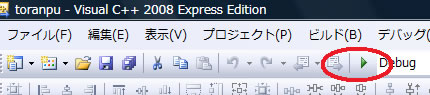
を押して実行してみる
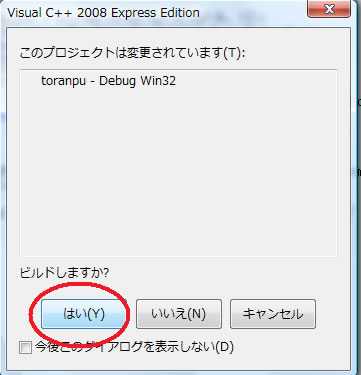
結果
ボタン1を押す
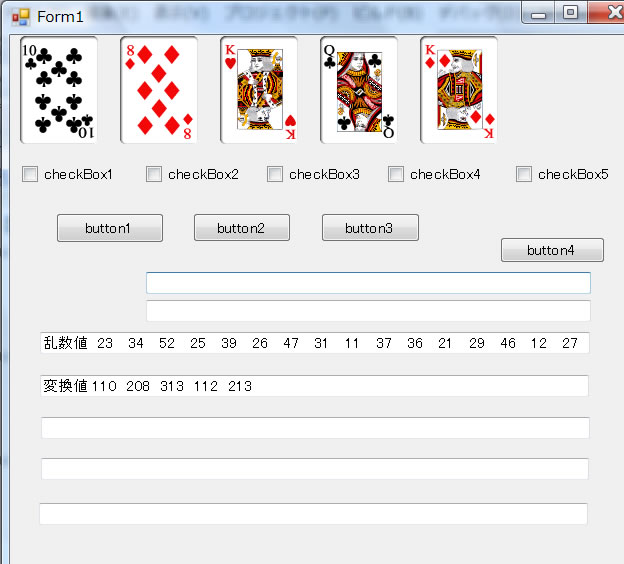
ボタン2を押す
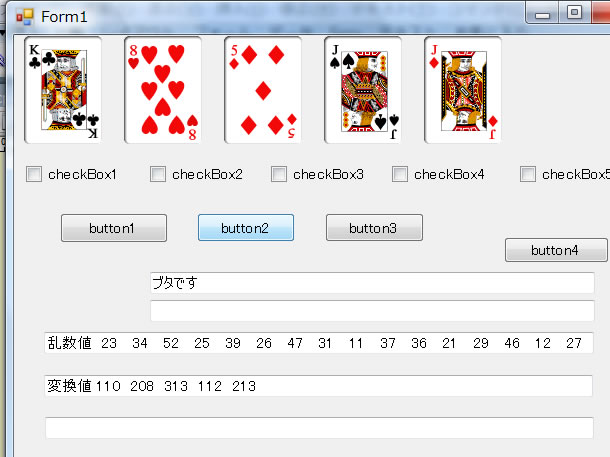
ボタン3を押す
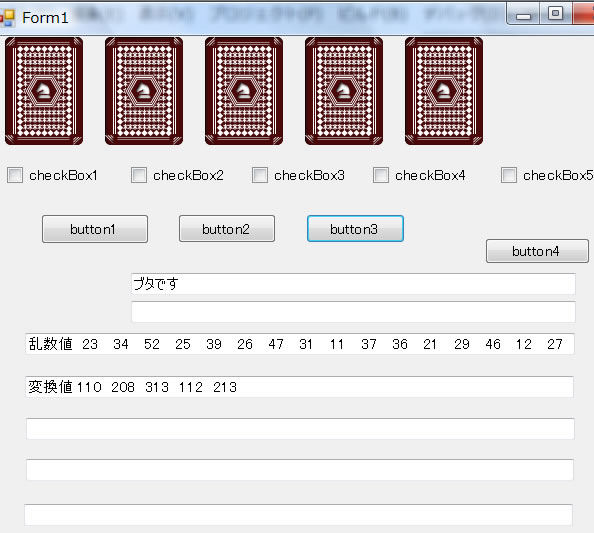
これが表示されれば成功です



